

CopyIt - The Grid Drawing Method

NEW! CopyIt The Grid Drawing Method is now available on the Mac App Store!

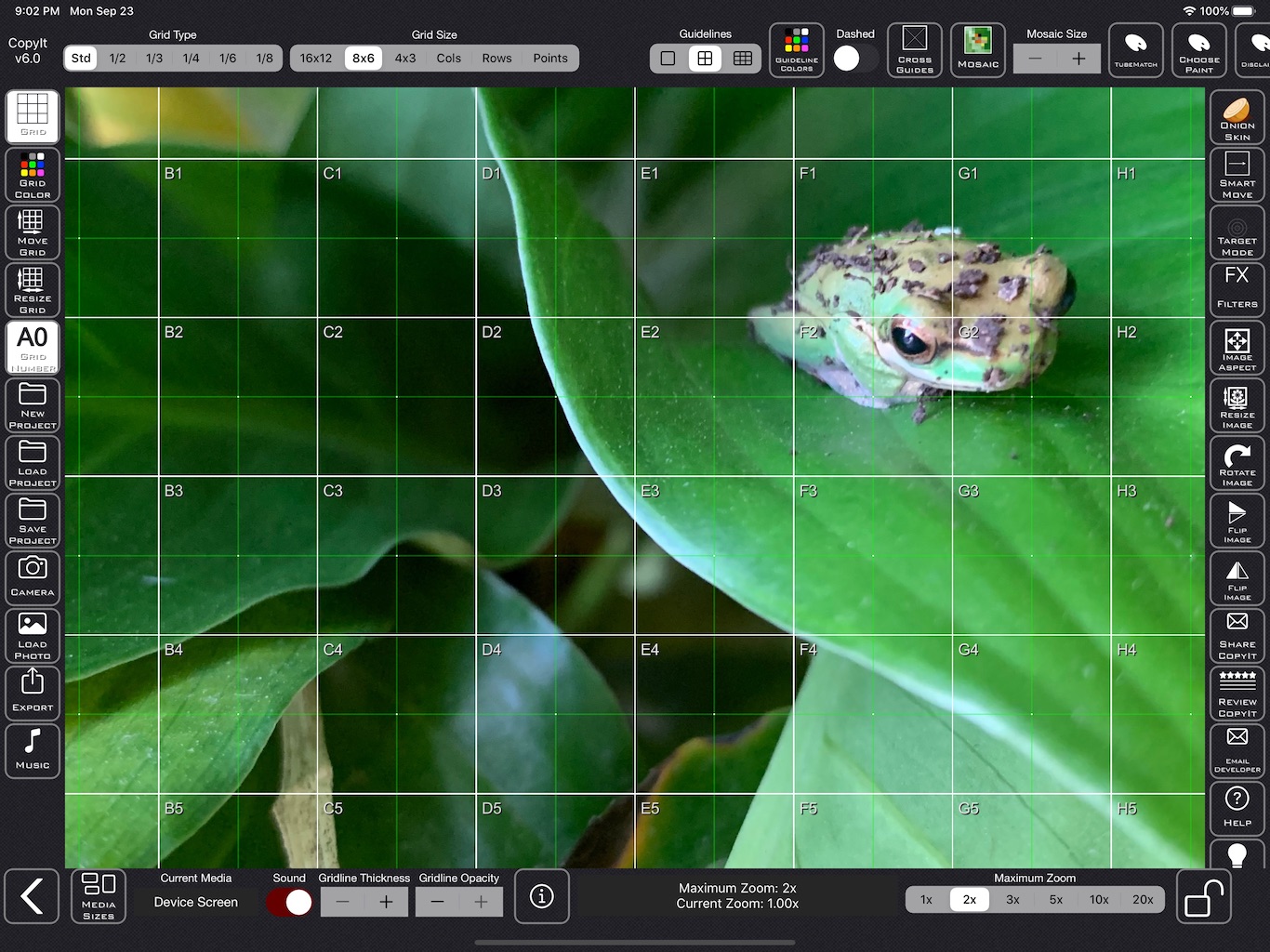
CopyIt assists you in copying, enlarging or reducing your chosen reference image using the grid drawing method.
Used by artists such as Vincent Van Gogh and Leonardo Da Vinci, the grid drawing method has been brought to digital life with CopyIt!
You do not even need to be artistic!
The grid drawing method breaks images down into smaller work areas. All you need to do then is focus on the actual lines and shapes within each square, rather than trying to draw the whole picture at once. You can't help but achieve with this method.
Using CopyIt also saves you from having to print your photos and ruin them by drawing grids over them.
Examples of the types of images that CopyIt can help you duplicate include photos, family portraits, house plans, logos, photos of paintings and drawings.
If you want to draw an image larger or smaller than the original, the pencil-drawn grid should be drawn larger or smaller than the original grid on the device. All that matters is that the contents of each square are drawn to scale.
For more information about CopyIt features and functions, you can read the latest CopyIt Reference Guide.
If you require any assistance, please do not hesitate to Contact Me.
A note from the Developer, Nigel Green:
“I am happy to announce that CopyIt has started being used in schools in the United States. Thank you to all our users for their feedback and feature suggestions which have helped make CopyIt what it is today - the most flexible and feature rich Grid Drawing App available anywhere.”
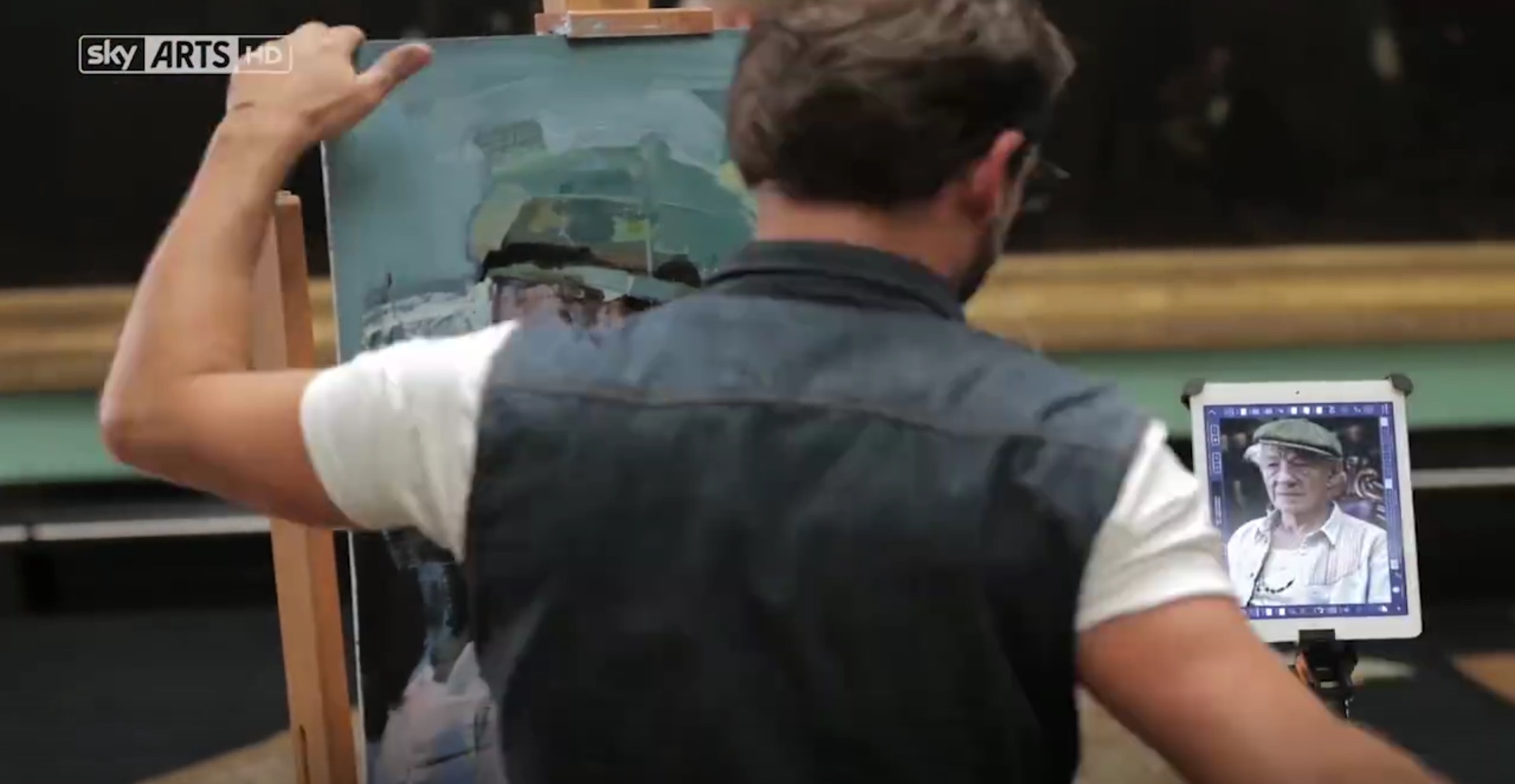
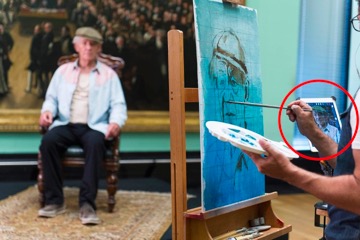
In the United Kingdom, CopyIt was spotted being used on Sky Arts.
Congratulations to Christian Hook, the winner of Sky Arts Portrait Artist Of The Year 2014!
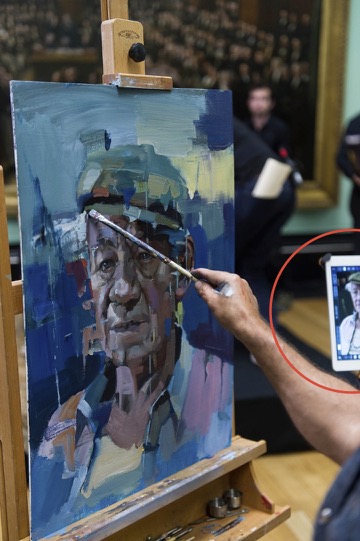
The winning portrait of Sir Ian McKellen
To learn more about the theory behind the Grid Method, here are some great resources:

External websites that talk about CopyIt:
https://www.facebook.com/ColoredPencilMagazine/posts/839630449427419
https://gurneyjourney.blogspot.com.au/2015/01/drawing-grids.html
https://www.toadhollowstudio.com/wp_blog/2014/12/sea-shell-junonia-drawing-grid-drawing
https://juliasattout.com/portraits/child-portrait-painting-ashley/
https://www.sketching.cc/forum3/viewtopic.php?f=2&t=2163&p=19287#p19312
https://mademistakes.com/mastering-paper/grid-method/
https://forum.drawmixpaint.com/discussion/3212/using-an-ipad-to-grid-photos-or-views
https://channeling-winslow-homer.com/2013/06/28/squaring-up-by-iphone-app/
https://www.hillandatree.com/thoughts/copyit
https://perfectparchmentcraft.wordpress.com/2011/10/25/using-the-ipad-for-parchment-craft